Your sketch, made real.
Take a plain SketchUp screenshot. Get a photoreal render in about a minute — geometry faithful, materials true, lighting cinematic. No render farm, no plugins to master, no ₹2 lakh workstation. Just your design, finished.
No card needed · 3 renders at 2K, on us
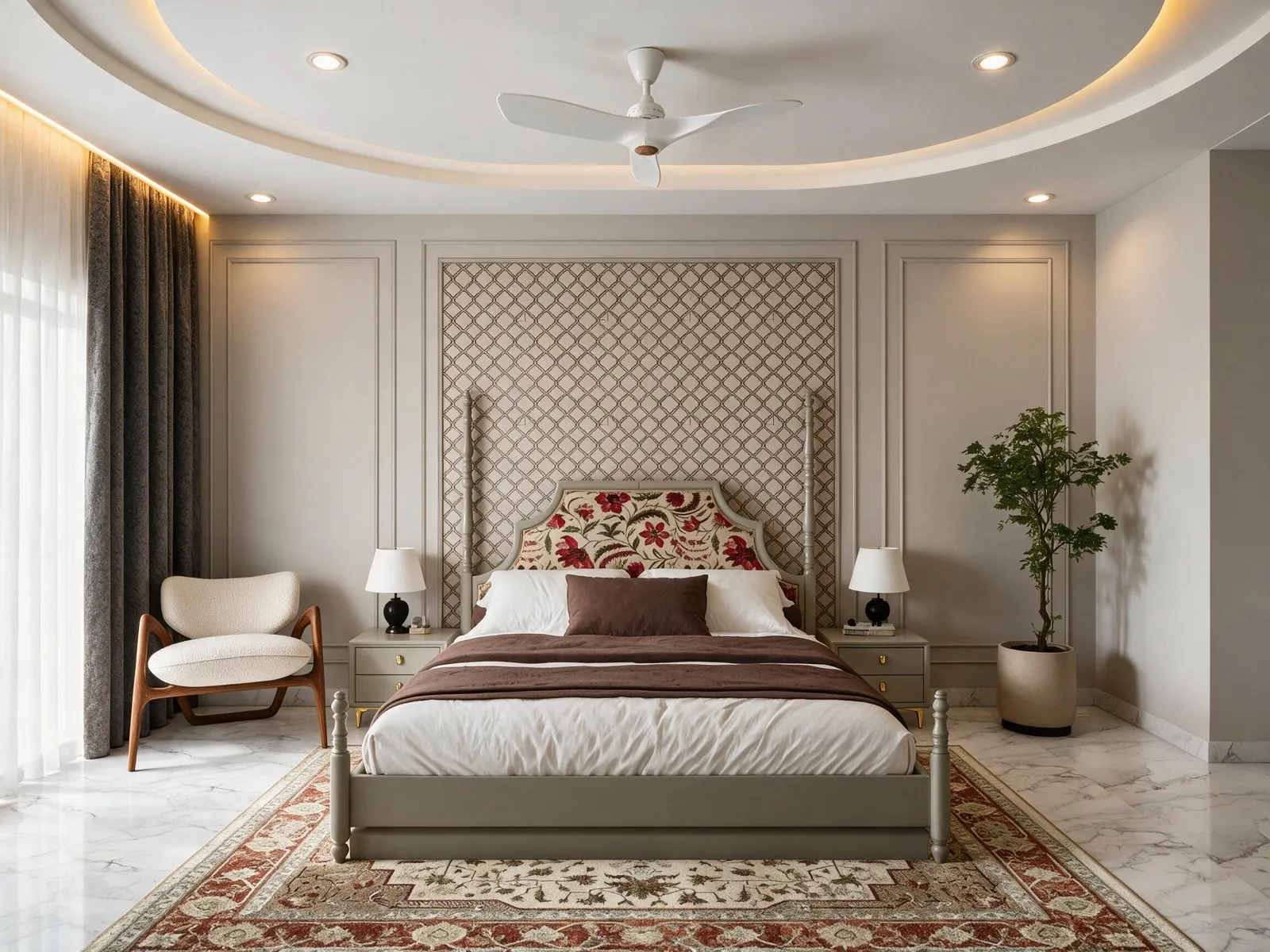
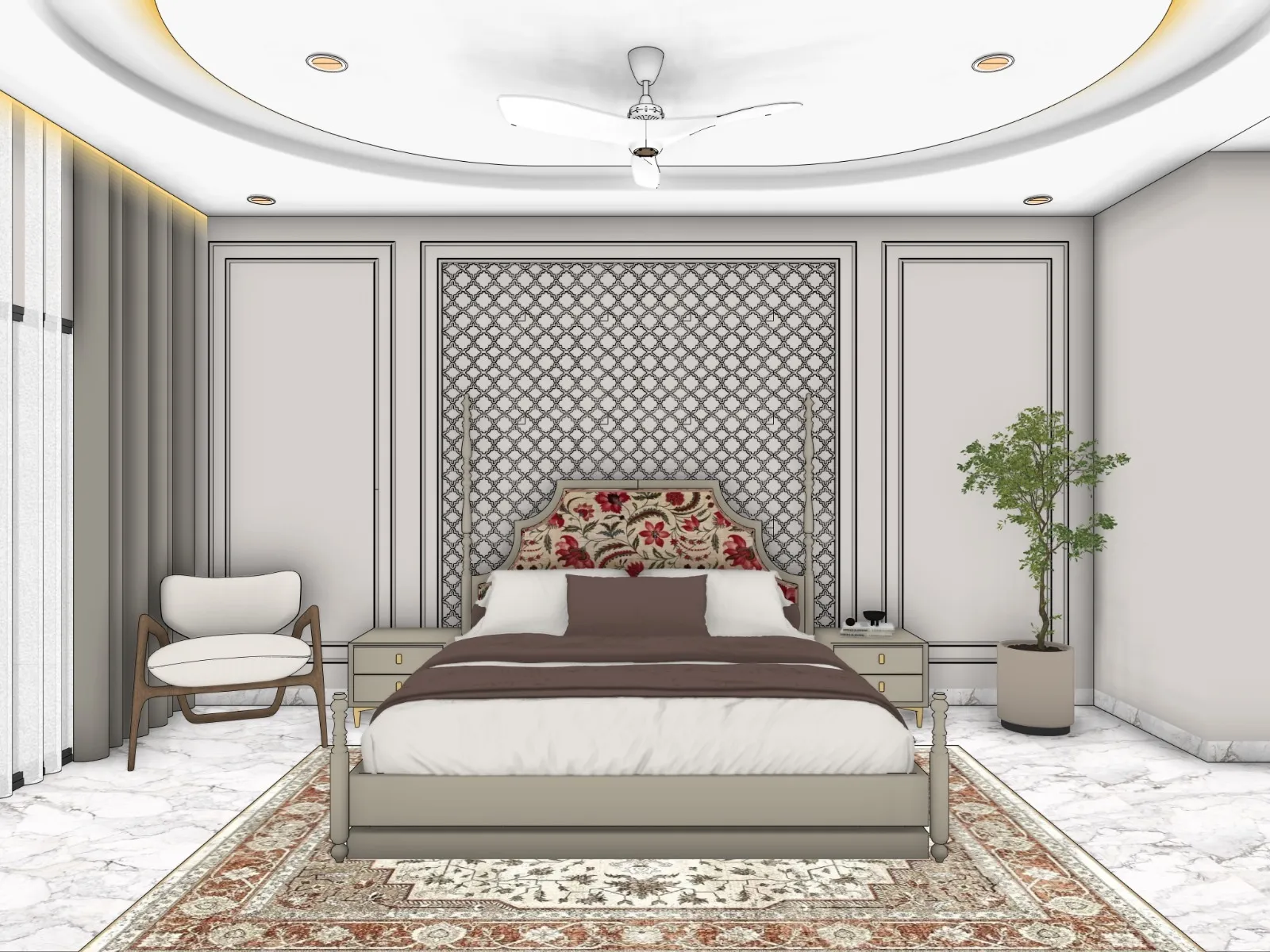
Drag the line. That's the whole pitch.
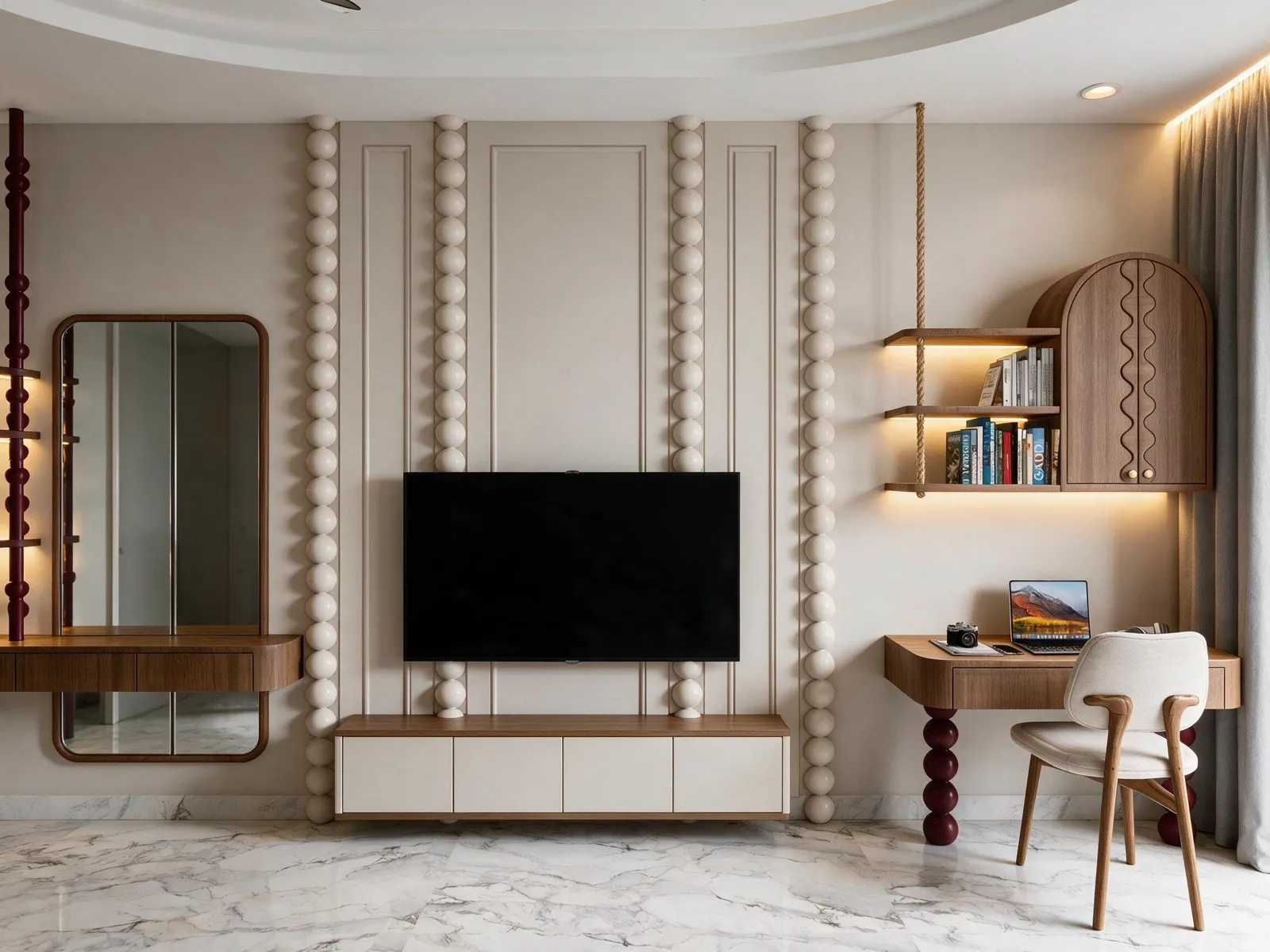
Every pair below is a real SketchUp screenshot and the render Vivid returned — same walls, same furniture, same camera. Interiors are what we do best. Nothing staged, nothing remodelled.
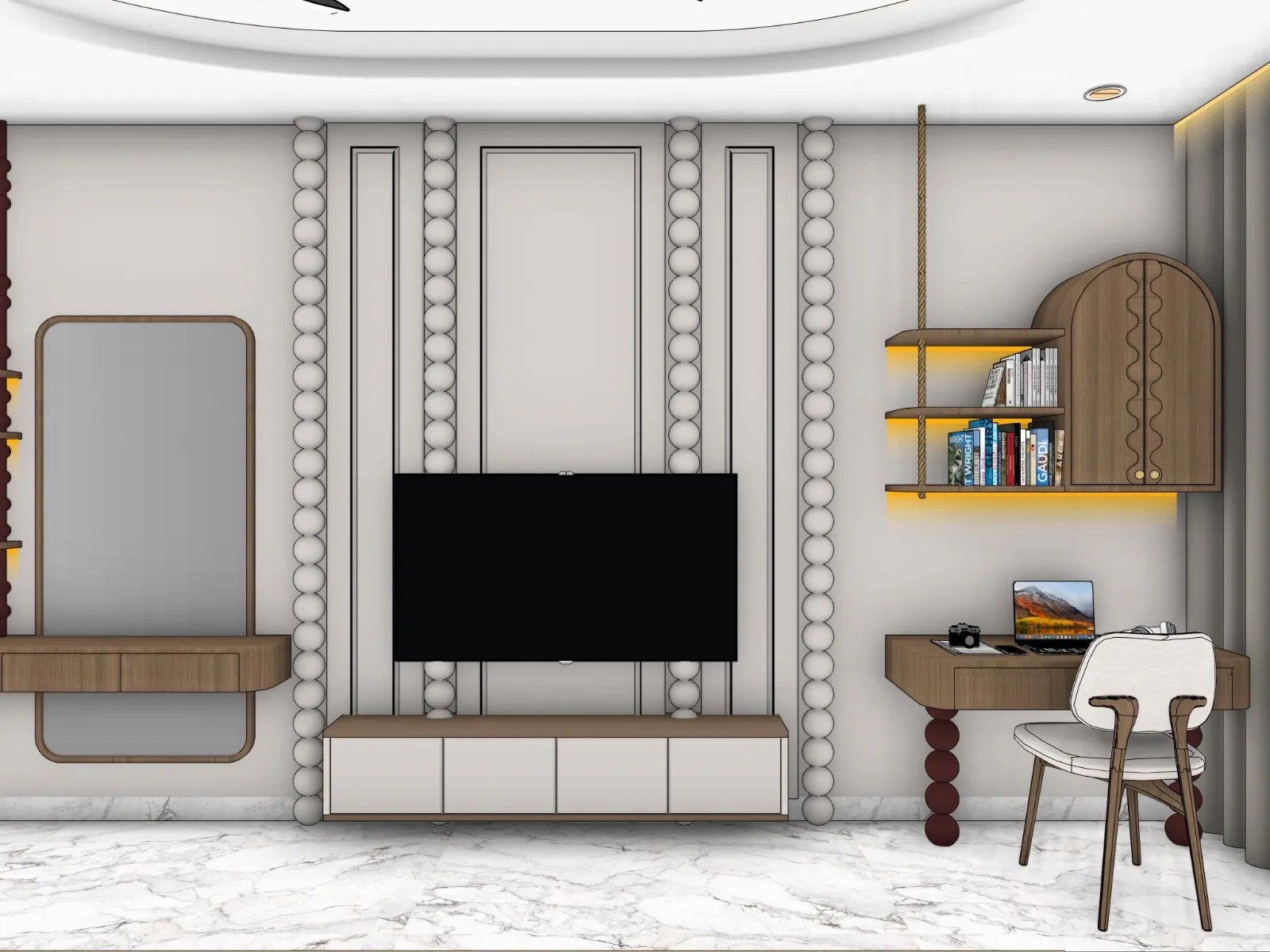

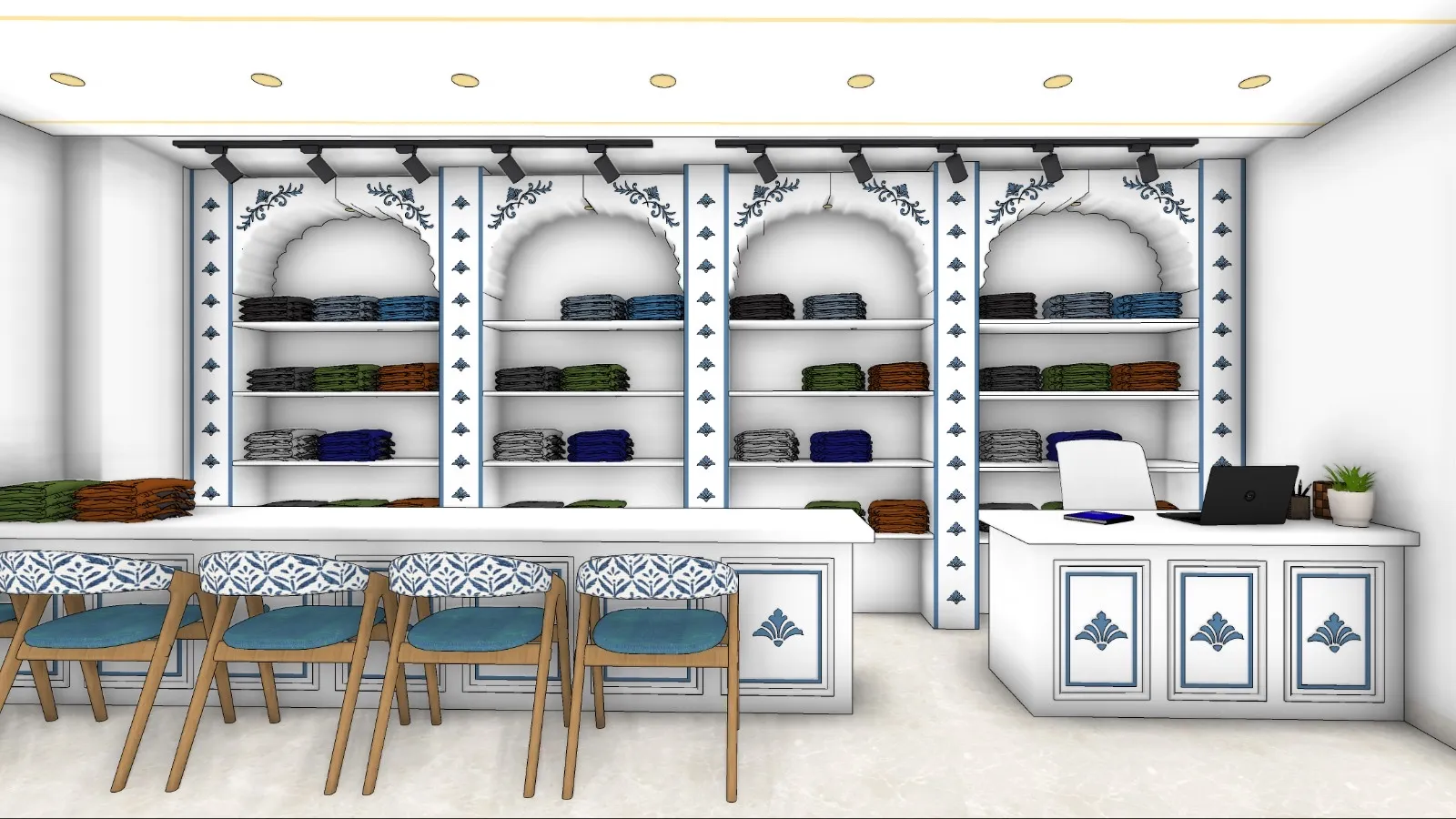
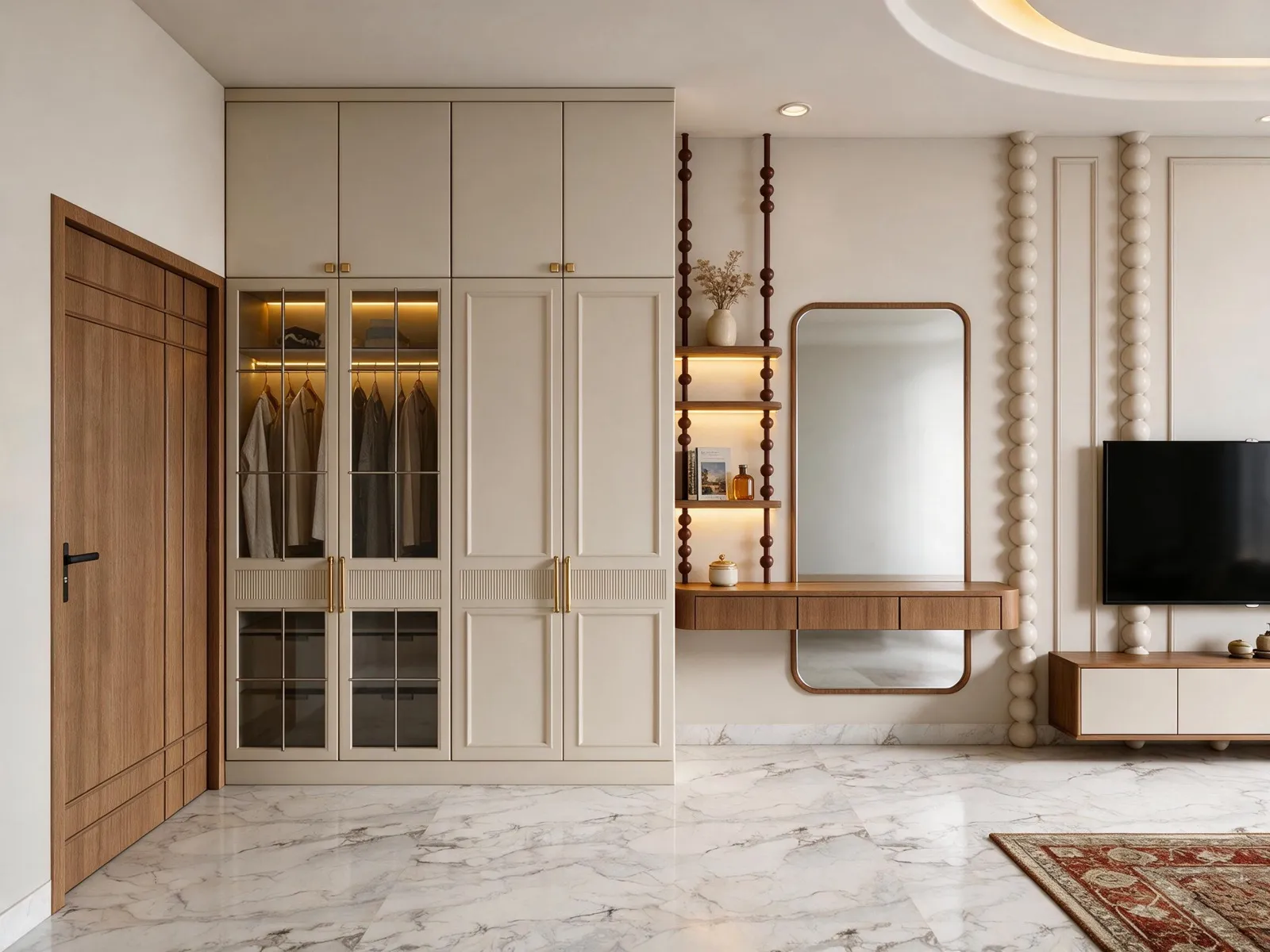
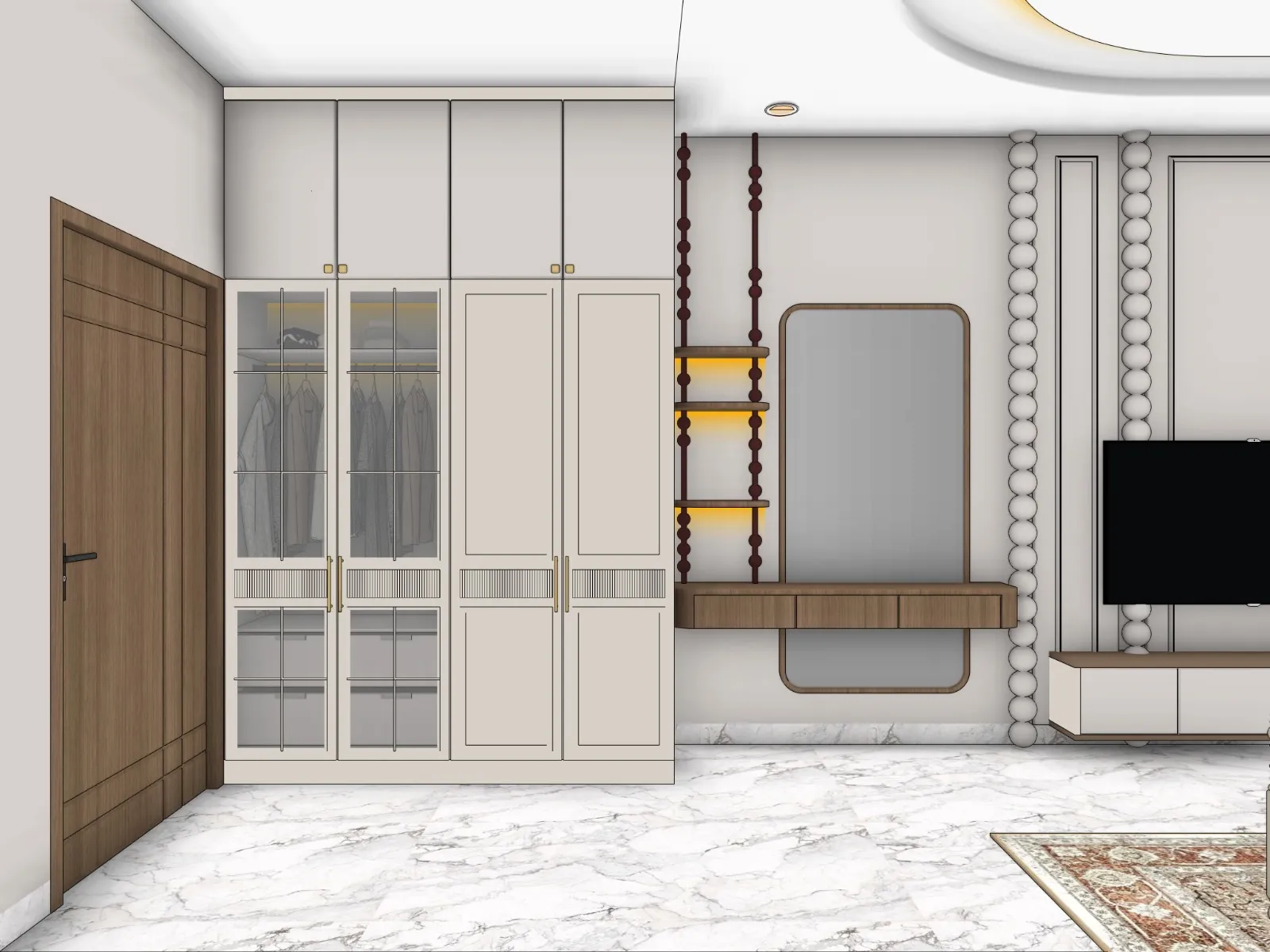
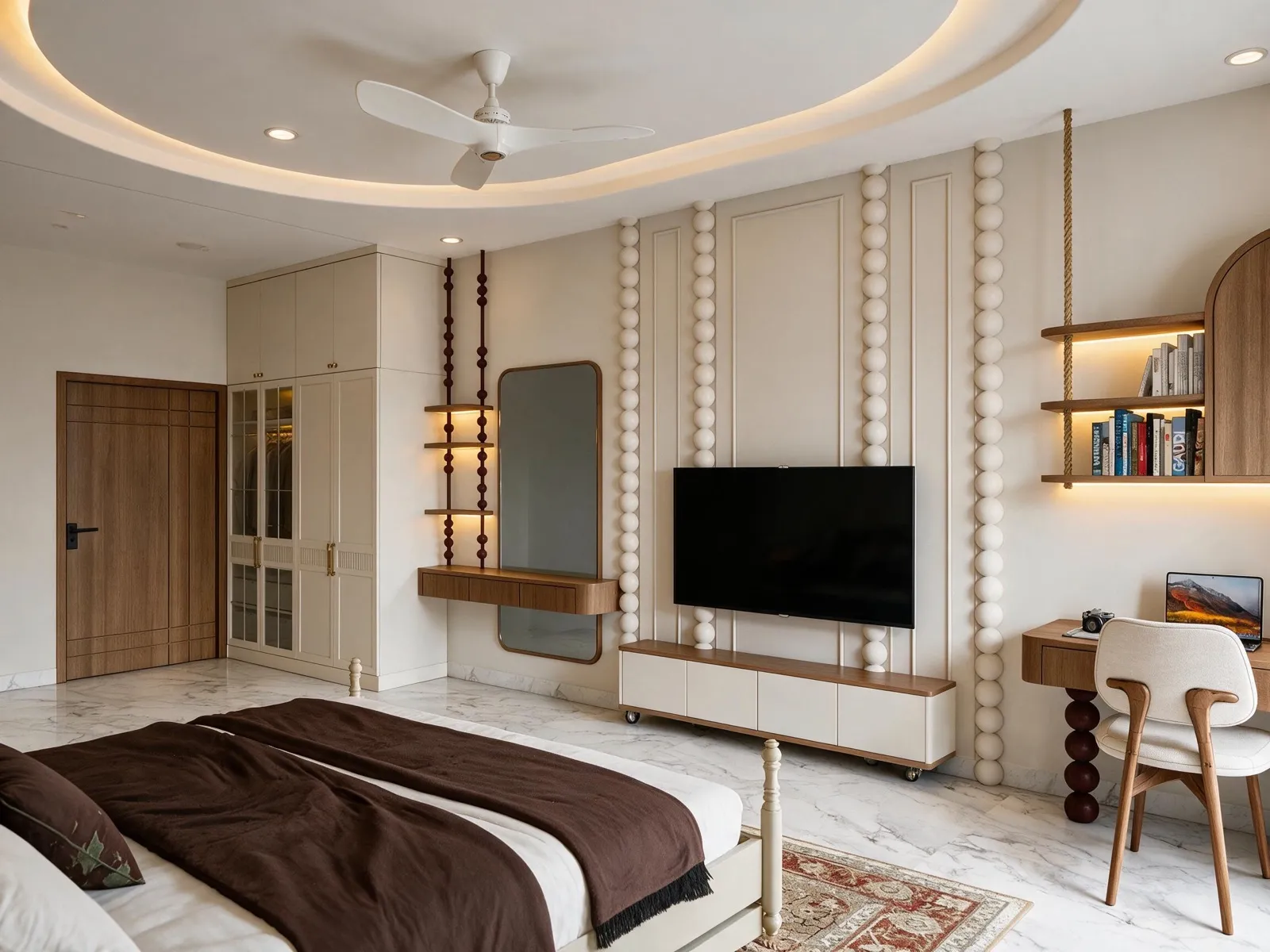
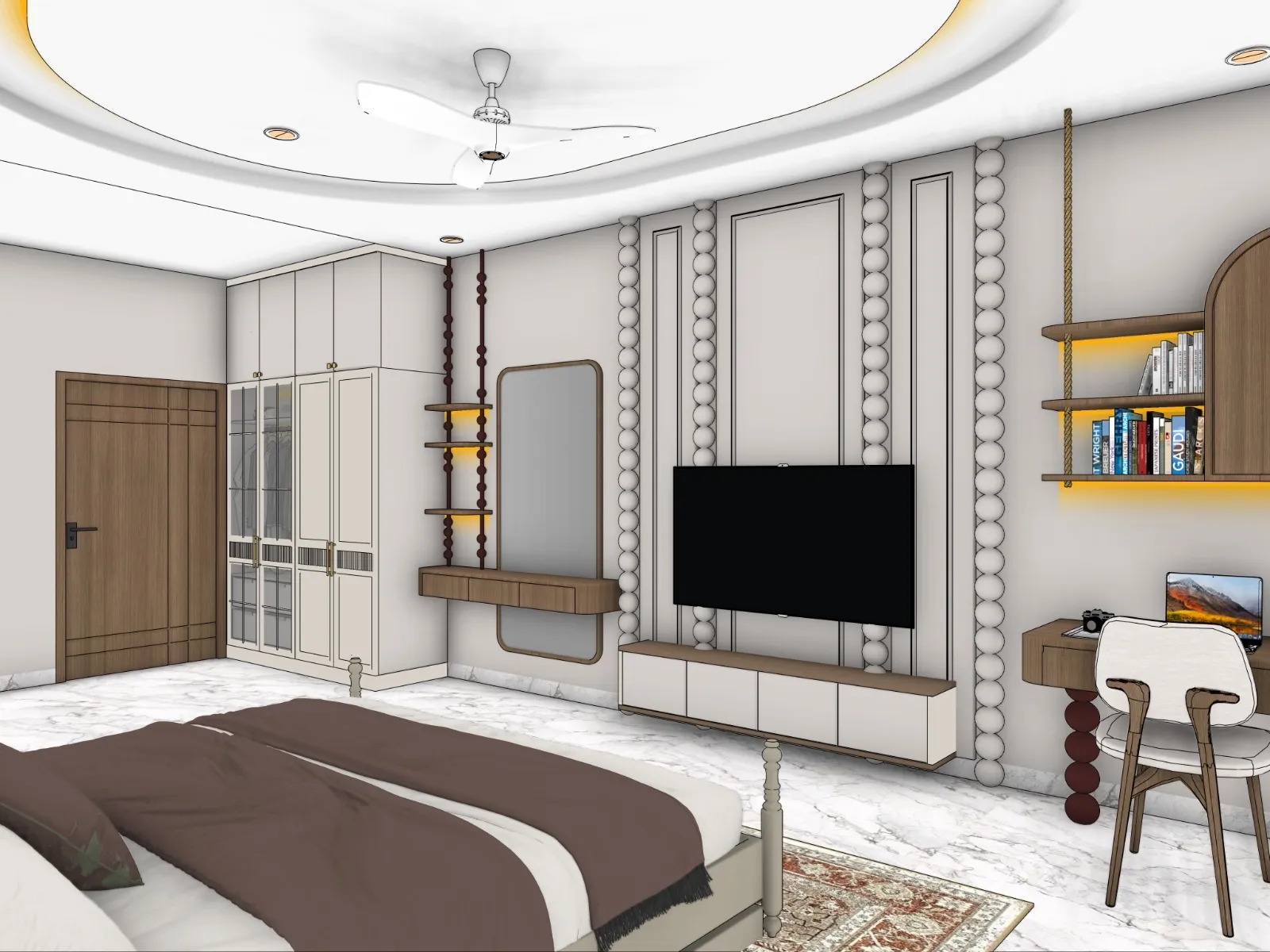
From viewport to client-ready in four steps.
Screenshot straight from SketchUp — or one-click export with our plugin. Batch a whole project at once.
Circle a wall, note “brass, fluted”. Mark light coves. Vivid reads your marks like a colleague would.
One click. About a minute. Geometry stays exactly yours — no invented windows, no swapped materials.
Compare before/after, refine with plain words, upscale to 4K, and hand your client the ZIP.
What a single render really costs you today.
Run the numbers on any option — an in-house artist, a freelancer, a visualization studio — and then look at the third card. This is the whole reason Vivid exists.
- ₹20,000+ monthly salary for a junior visualizer
- ₹1.5–2 lakh render workstation, plus licenses
- 4–6 hours per view, 20–25 views a month
- Revisions cost you their next day
- 2–5 day turnaround per camera angle
- Every revision re-negotiated, re-billed
- Your deadline is their queue position
- Files, feedback and versions over WhatsApp
- Same SketchUp file, same geometry, photoreal
- Revisions in plain words — “add one woman, walking”
- 2K included, 4K upscale when you need it
- No hardware, no licenses, no salaries
A photoreal render for less than a good cup of coffee.
*Typical Indian market figures, 2026. Salary ₹20,000/month ÷ ~24 finished views = ₹833 a view — before hardware, electricity and software. Numbers scale the same everywhere: a $2,500 artist producing 25 views costs $100 a view; Vivid is about $0.25.
The plugin takes the perfect screenshot — so your first render is the final one.
Vivid Export lives inside SketchUp and does the prep work a render artist would do by hand. It frames every scene at the right camera and resolution, captures a clean, clutter-free viewport, and paints soft glow markers on your coves, spots and lamps — into the export only, never into your model. Vivid reads each glow as a real fixture, so the lighting lands exactly where you placed it, on the very first render.
- ✓ Perfect capture, every time — correct camera, aspect and a clean style; no stray edges, no guesswork
- ✓ Fake-cove glow tool — light placement is baked into the screenshot; your SketchUp file stays untouched
- ✓ No wasted credits — marked lights render correctly the first time, so you don't pay for retries
- ✓ Whole project in one click — every scene view lands in your Vivid workspace, queued and ready
- ✓ One account everywhere — the plugin signs into Vivid and shares your credits with the web app
 VIVID·EXPORTv0.14
The screenshot is the brief.
AI renders exactly what you hand it. Give it a casual grab and it starts guessing — beds change, windows move, whole rooms get reinvented. Give it a disciplined export and it has nothing left to guess. Same engine, same bedroom, real results below.

This is why the plugin exists: it takes the screenshot seriously for you — correct camera, clean style, light markers — so the engine locks onto your design instead of improvising its own.
Pay for renders. Nothing else.
One credit = one 2K render. A 4K render is two credits. No subscriptions, no seats, no surprise invoices — buy a pack, render, done.
- ✓ 20 credits — 20 renders at 2K
- ✓ …or 10 renders at 4K
- ✓ Full markup + revision tools
- ✓ Valid 30 days
- ✓ 110 credits — a full project's worth
- ✓ Batch upload + auto-queue whole folders
- ✓ 4K upscales, ZIP delivery to clients
- ✓ Valid 90 days
- ✓ 400 credits — run your whole practice
- ✓ Credits valid 6 months
- ✓ Priority render lane
- ✓ Direct WhatsApp support
Asked all the time.
Will the render change my design?
No — that is the entire point. Vivid treats your SketchUp geometry as law: walls, openings, furniture, ceiling details and materials stay exactly where you put them. It adds light, texture realism and atmosphere, not architecture.
What do I need to start?
A SketchUp screenshot. That's it. No V-Ray, no GPU, no exports with special settings. If you install our free plugin, one click sends every scene view across.
How do revisions work?
Type what you want changed — “make the wardrobe walnut”, “add one woman, walking” — or circle the area right on the image. Each revision is just one more render from your pack.
Interior and exterior both?
Yes. Interiors, exteriors, and landscape/master-plan views each run on their own tuned pipeline — pick the scene type and Vivid frames the rest.
Who owns the renders?
You do, fully — commercial use included. Your uploads stay private to your account and are never used to train models or shown to anyone else.
Your next client presentation is one screenshot away.
Three free 2K renders. Two minutes to try. Zero risk.